What is Giflane?
Giflane is a browser-based editor that turns screen recordings into polished GIF or MP4 clips.
Practical guidance for recordings, backgrounds, formats, and browser-based rendering.
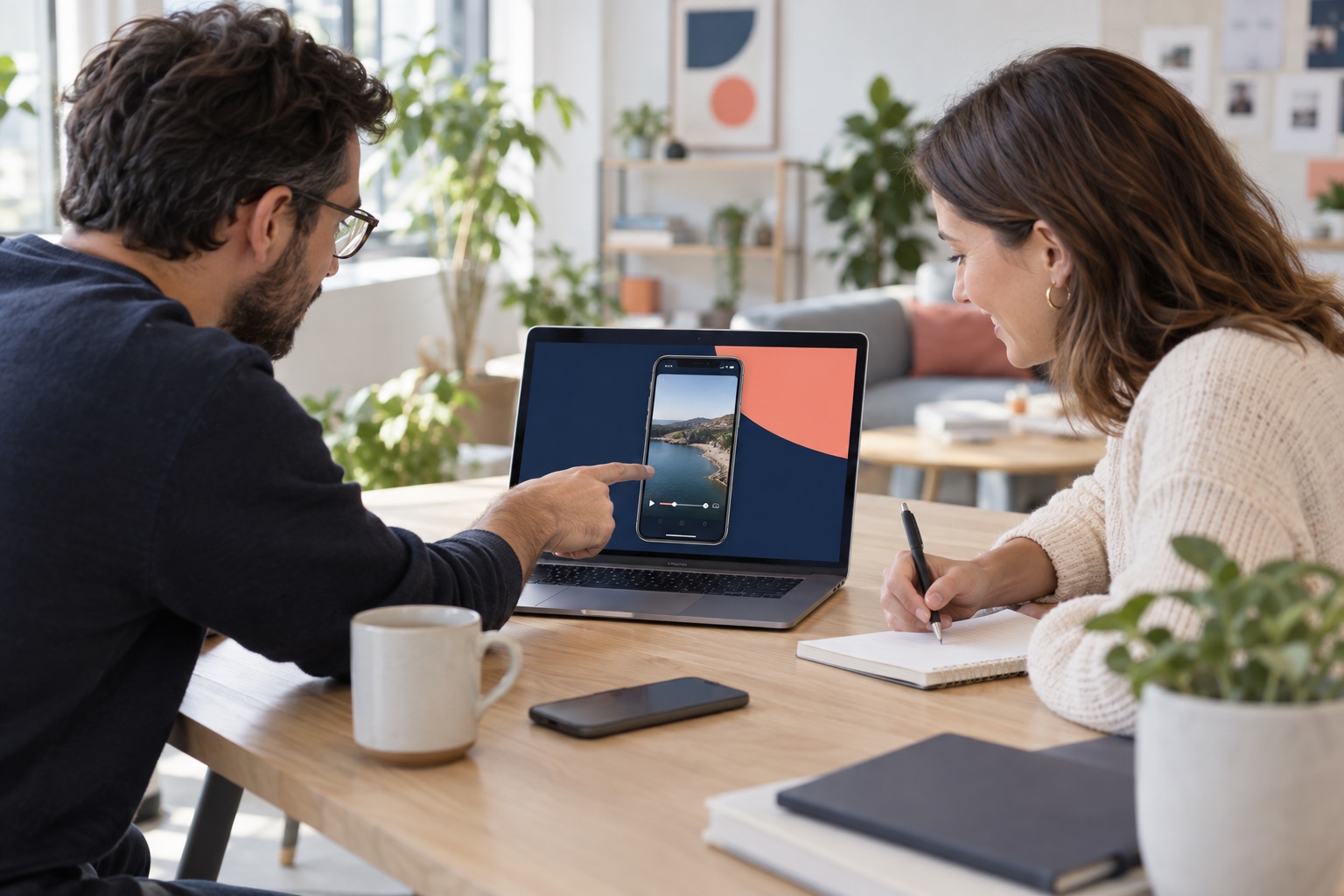
A short polished clip can replace a call, a paragraph of instructions or a long trail of screenshots.
Giflane is a browser-based editor that turns screen recordings into polished GIF or MP4 clips.
Previewing, trimming, and exporting happen locally in your browser; the source recording is not uploaded to a media server.
No account is needed for Free. Sign in only to link watermark-free Creator access, invoices, and billing.
Creator removes the Giflane.com watermark. It costs €9 per month or €59 once; both options include the same features.
Giflane accepts MP4, MOV, and WebM. H.264 MP4 offers the broadest browser compatibility.
Some sites block automated style reading. Use a ready-made palette or the custom color picker instead.
Use GIF for short looping motion on pages and newsletters. Use MP4 for YouTube Shorts and social video.
Enable ‘Crop phone status bar’ in Style only if the recording contains one. It is off by default so your screen content stays intact.
A 1080 × 1920 Short contains many more pixels than a small GIF and is encoded locally by your device.
The finished file is downloaded by your browser. A second download link also appears in the editor.
No. Preview, analysis, and export happen on your device. Giflane does not receive or store the video file.
Normal page requests reach the hosting service. If you request website colors, the entered URL is sent to Giflane so its public HTML and styles can be read. Payment data goes directly to the checkout provider when payments are enabled.
Giflane uses no advertising cookies. Cookieless Umami analytics measures basic page views and three product events: upload started, export succeeded, and upgrade viewed. Hosting, sign-in, and checkout may use strictly necessary security cookies.
Open Account → Invoices & billing to manage or cancel your monthly plan. For help or a refund, contact info@wilbertkramer.nl.