Make screen moments fit your feed
Turn app tips, affiliate finds, and everyday digital shortcuts into polished vertical clips for TikTok and Instagram.
For influencers →Upload up to five minutes, pick the moment, and export a vertical Short, a website clip, or a GIF. Everything happens in your browser.
Loading example…
A real screen recording, framed and ready to share. Try it, change the colors, and make it yours.
Play the sample to compare the original with the framed result. The studio uses this same renderer for your exports.
Loading sample…
Newsrooms showing what an app actually does. Creators explaining a tool. Explaining something in 45 seconds instead of multiple screenshots.
Turn app tips, affiliate finds, and everyday digital shortcuts into polished vertical clips for TikTok and Instagram.
For influencers →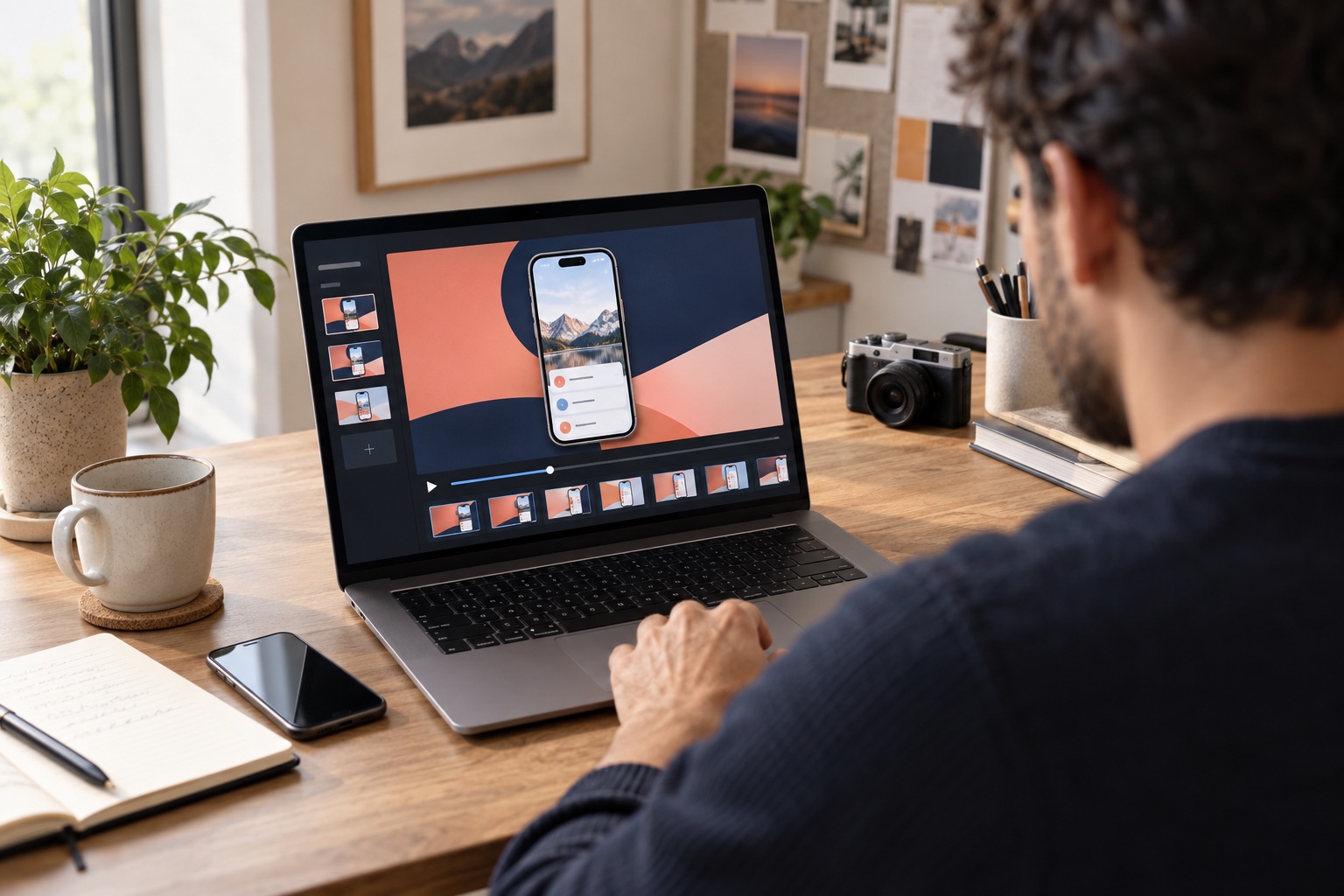
Frame features and comparisons in a consistent look that belongs to your channel.
Export a lightweight GIF for your site and a smooth vertical MP4 for Shorts.
Start with up to 5 minutes, choose the background, select the right section, and export for where you publish.
Reading, previewing, and rendering happen inside your browser. Giflane does not upload your video to a media server.
All editing tools are free. Remove the Giflane.com watermark with Creator for €9 per month or €59 once.
Your source can be up to 5 minutes. We recommend 5 seconds for GIF and 30 seconds for MP4; creators can export MP4 clips up to 3 minutes for longer Shorts.
Yes. A vertical upload starts on the 9:16 canvas and a horizontal upload starts on 16:9. You can still change it.
Yes. That is what it is built for. Upload a recording made on an iPhone or Android phone and the tool frames it, crops the status bar, and cuts it to length.
Yes. Choose the 9:16 canvas and MP4 export for a vertical H.264 video.
Yes. Choose from ready-made solid colors and gradients, or pick a custom color.
The current export is video-only. Add music, voice-over, or captions in YouTube Studio.
Yes. Choose ‘Don't clip’. MP4 is recommended because a full-length GIF can become very large.
No. Your recording is analysed and rendered locally in your browser.
Your video stays on your device and is never uploaded by Giflane. Only a website URL is sent when you choose website color extraction; hosting services may still process standard security logs.