Drop your recording
Use the full-screen drop zone or browse for an MP4, MOV, or WebM file.
Four focused steps, no timeline maze and no cloud upload.
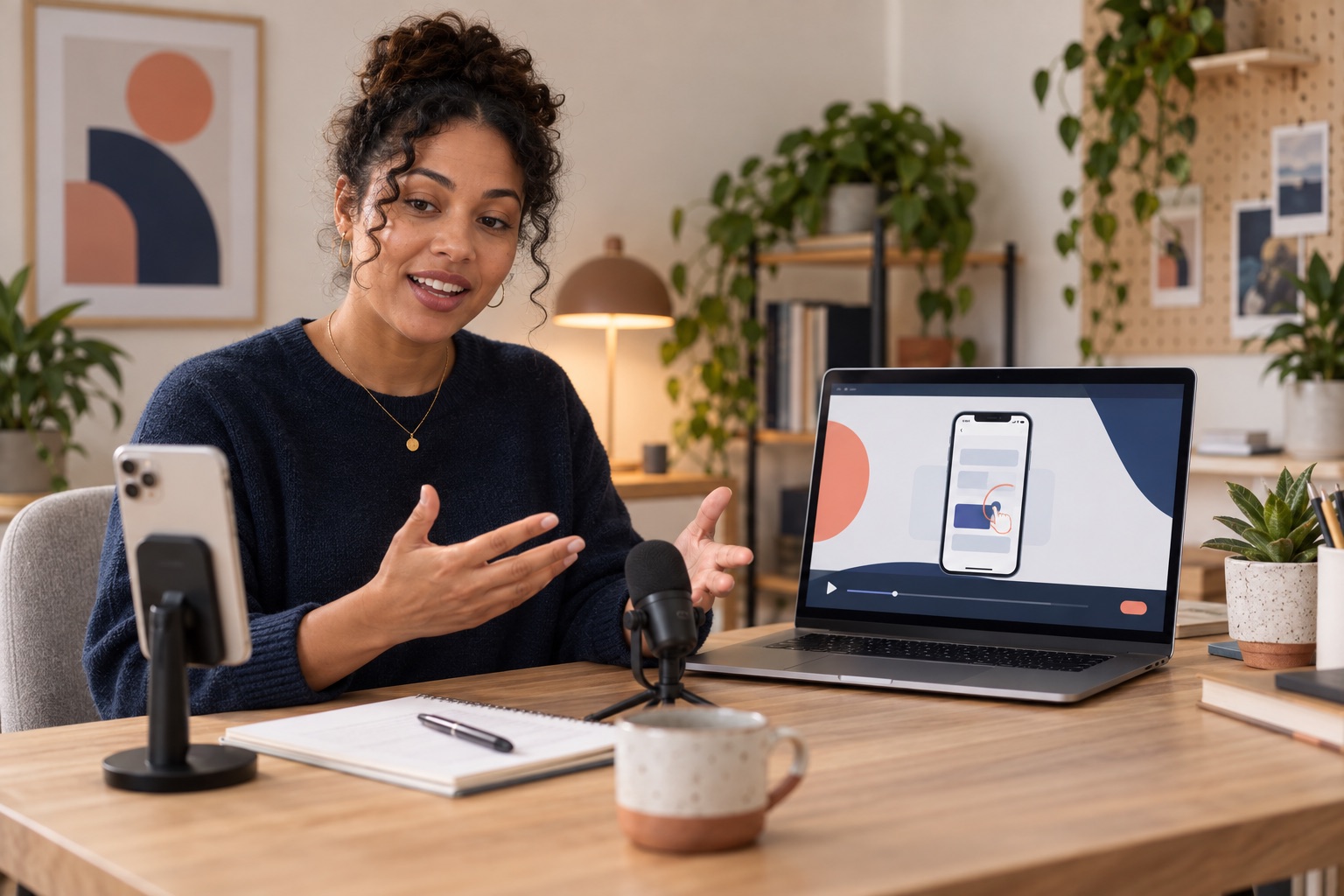
Choose the exact action, frame it for the destination and export a clip people can understand immediately.
Use the full-screen drop zone or browse for an MP4, MOV, or WebM file.
Choose a built-in solid or gradient, a custom color, or extract a website palette.
Let Giflane find the most active cut, then fine-tune its start and duration.
Create a looping GIF or a smooth H.264 MP4, including a 9:16 Shorts canvas.
Reading, previewing, and rendering happen inside your browser. Giflane does not upload your video to a media server.