Show the exact edit or booking flow
Turn the steps behind a look, appointment, preset, or shopping list into a clean vertical clip.
Show the app, booking, edit, affiliate find, or digital shortcut behind your lifestyle—without dropping a raw screen recording into an otherwise polished feed.
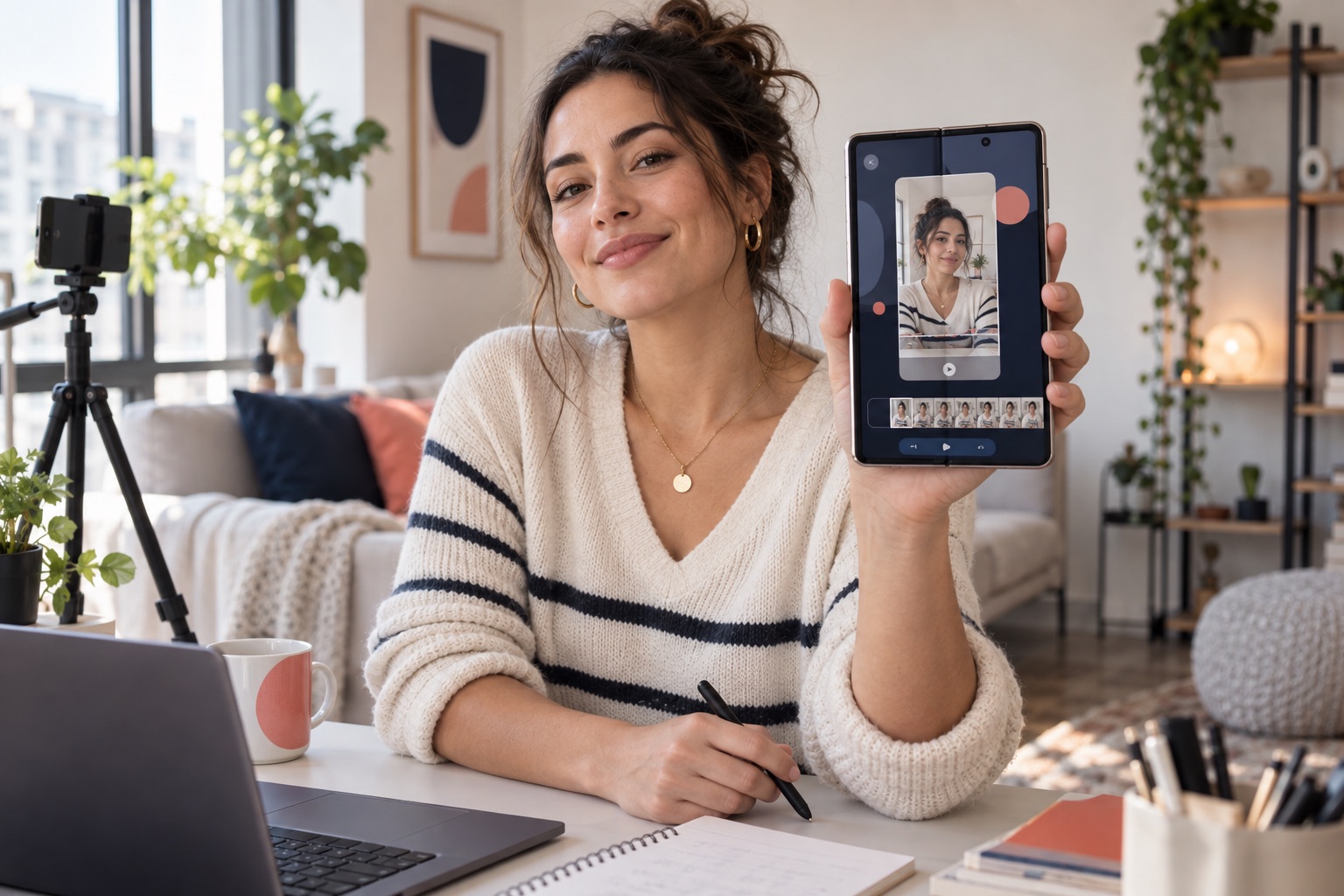
Giflane gives practical phone moments the same finish as the rest of your content.
Turn the steps behind a look, appointment, preset, or shopping list into a clean vertical clip.
Frame a map, booking, itinerary, or packing shortcut so followers can copy it immediately.
Show the useful feature, price, or setup behind a link-in-bio recommendation instead of only talking about it.
Make the value visible in a few seconds, then direct viewers to the full resource.
Play the sample to compare the original with the framed result. The studio uses this same renderer for your exports.
Loading sample…
Capture up to five minutes on your phone. The vertical orientation is selected automatically.
Pick the exact seconds, choose a solid or gradient background, and add a subtle phone frame.
Create a smooth 9:16 MP4, then add audio, captions, and your personal touch in your social editor.
Previewing, trimming, and exporting happen in your browser. Giflane does not upload your source recording to a media server.
Yes. Choose the 9:16 canvas and MP4 export for a 1080 × 1920 vertical clip.
Not yet. Giflane prepares the visual clip; add trending audio, voice-over, captions, and stickers in TikTok or Instagram.
No. Your source recording, trimming, preview, and export stay in your browser.
Yes. Free uses a subtle Giflane.com watermark. Creator removes it for €9 per month or €59 once.
TikTok and Instagram are trademarks of their respective owners. Giflane is not affiliated with either platform.