5.4 inch · 460 ppi · 1.455:1
iPhone Duo screenshot maker
Make an iPhone Duo screenshot in closed or open view.
Use the official cover- and inner-display proportions with one screenshot, one recording or a separate file for each half of the open display.
Official screen sizes addedVerified after Apple’s 9 September 2026 announcement.
Build progressStep 1 of 5
Choose the display
Choose the closed cover display or open inner display.
Official display specifications
Two displays. Two native formats.
The open inner display is naturally landscape. Giflane keeps the full screen visible instead of forcing it into a cropped 9:16 phone shape.
7.6 inch · 430 ppi · 1.422:1
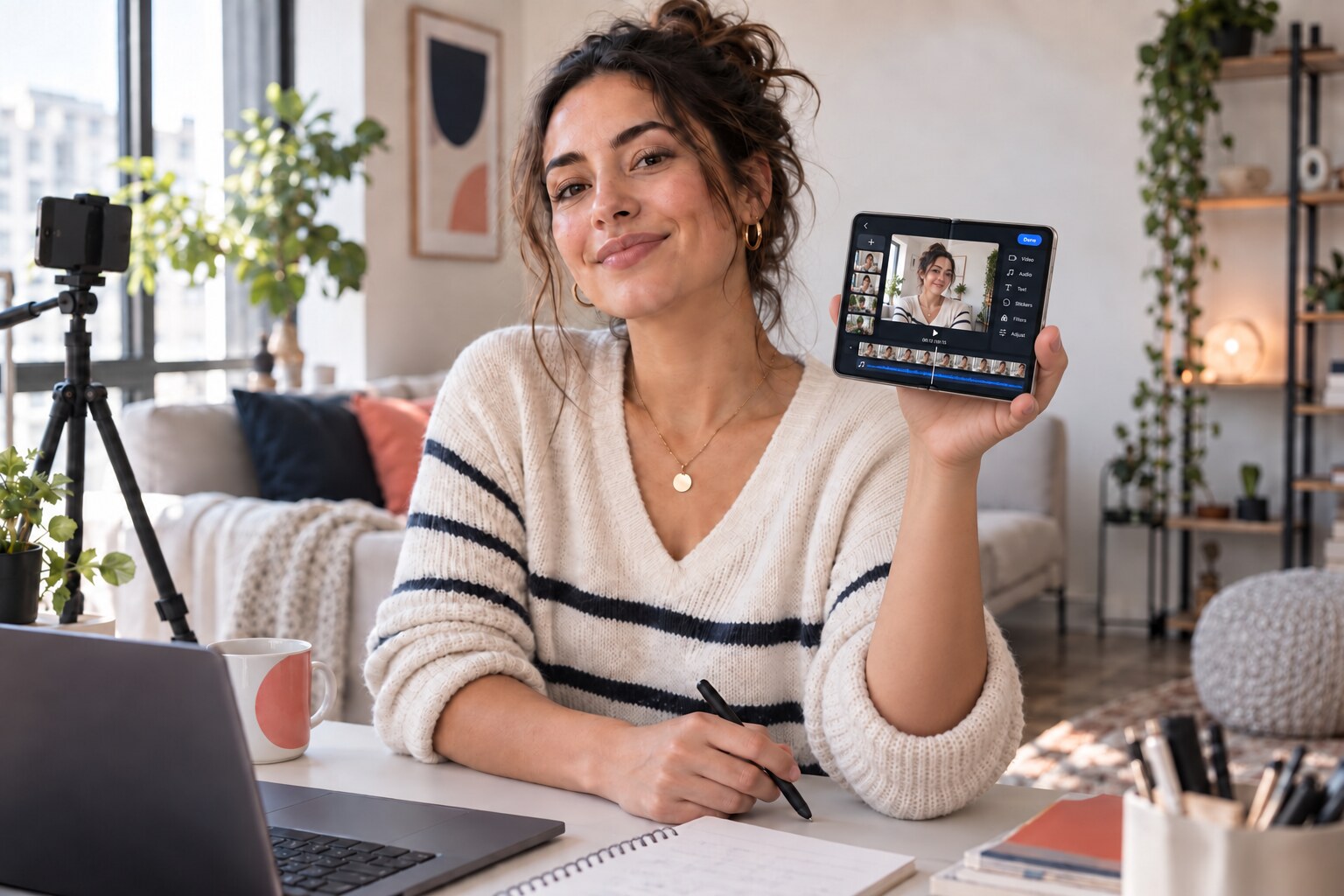
Made for the feed
Show the finished screen, not a raw screenshot.
Build a closed or open phone visual that looks at home in a launch post, tutorial, review or social carousel.
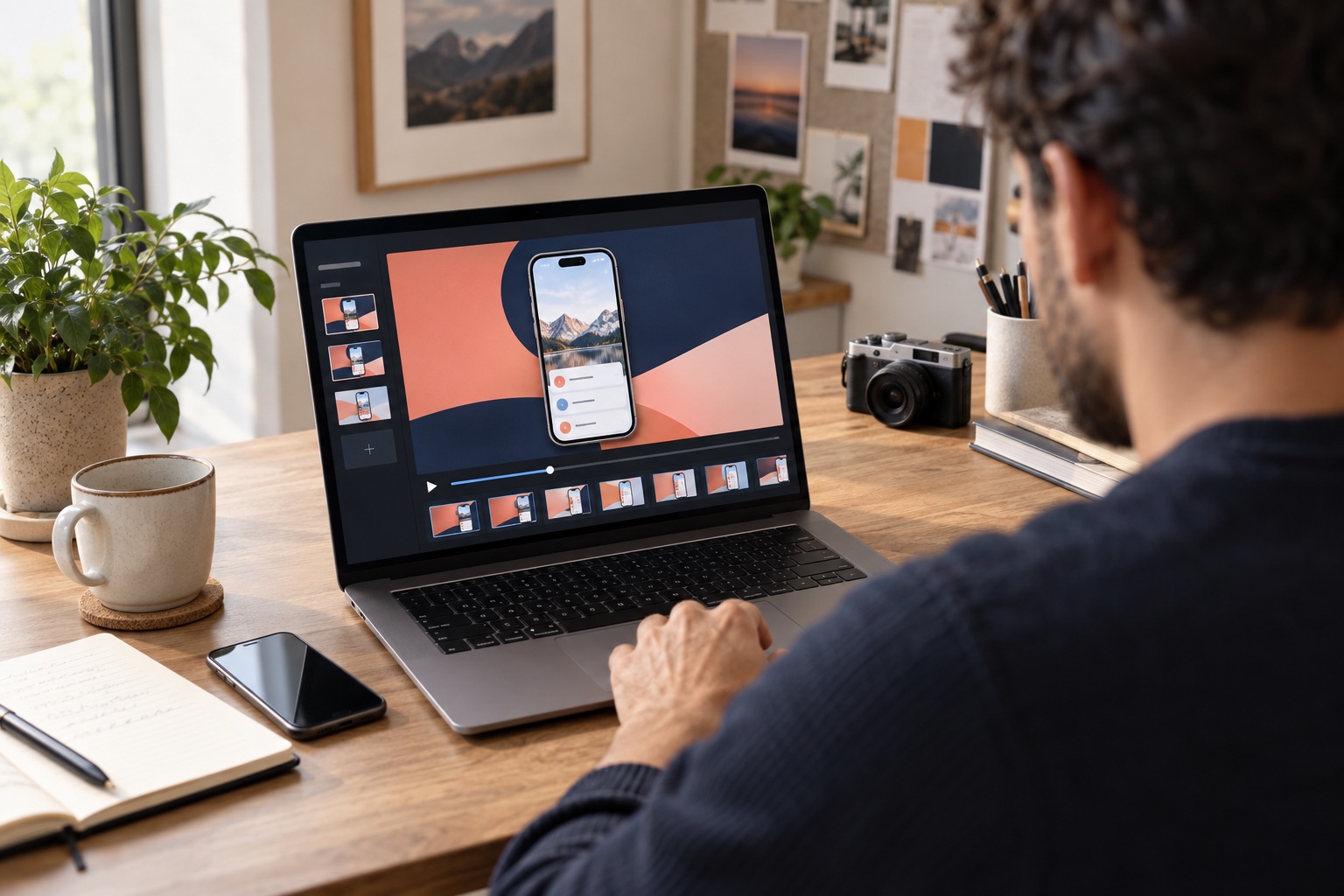
Made for product work
Present the interface in a setting that feels real.
Use the mockup in app reviews, client decks, product updates and campaign visuals without opening design software.
Closed and open mockups
Create one iPhone Duo mockup from one or two screens.
The open iPhone Duo layout uses the full 2670 × 1878 inner display. Add one wide screenshot or place two separate recordings in the left and right parts of the display.
Giflane places the device on the canvas instead of cropping your screen to fit.
Choose a vertical Short, feed post, square visual or landscape header.
The same layout can hold a screenshot, an MP4 or a MOV recording.
How to use the tool
How to create an iPhone Duo screenshot mockup
The maker works on this page. You do not need design software or a separate mockup template.
- 01Choose closed or open
Select the 1398 × 2034 cover display or the 2670 × 1878 inner display.
- 02Add your screen content
Use one screenshot or recording. For the open display, you can also add separate left and right files.
- 03Style the layout
Choose how the content fits, set the spacing and select a preset or custom background color.
- 04Choose and download
Pick a vertical, feed, square or landscape format, then download a PNG or rendered MP4.
Built around the official Duo display dimensions.
The closed cover display uses 1398 × 2034 pixels. The open inner display uses its natural 2670 × 1878 landscape format, so your interface remains fully visible.
Pricing
Edit everything for free.
Giflane Free€0
Unlimited editing and exports with a small Giflane mark.
Before you add a file.
How do I make an iPhone Duo screenshot mockup?
Choose the closed or open display, add a file or capture a public webpage, style the canvas, position the content, then download.
Can I make an open iPhone Duo screenshot?
Yes. Choose the open layout and add one wide file, or use a separate file for the left and right half of the display.
Can I use two screen recordings in one mockup?
Yes. The open iPhone Duo layout can place two separate screenshots or recordings side by side.
Does Giflane upload my files?
No. Your screenshots and recordings stay in your browser and are not stored on a server.
Can Giflane capture a webpage for me?
Yes. Enter a public URL and Giflane creates a current webpage screenshot you can place in either display. Open Duo uses a wide tablet viewport; closed Duo uses a mobile viewport. The result is not a prediction of Safari on unreleased hardware.
Which files can I add?
Use PNG, JPG, WebP, MP4 or MOV. HEIC support will be enabled after final device testing.
Is Giflane affiliated with Apple?
No. Giflane is an independent tool and is not affiliated with or endorsed by Apple.
What are the iPhone Duo screen resolutions?
The 5.4-inch cover display is 1398 × 2034 pixels. The 7.6-inch inner display is 2670 × 1878 pixels when the device is held open, or 1878 × 2670 in portrait orientation.
What can I download?
Screenshots download as a full-resolution PNG. If you add an MP4 or MOV recording, Giflane renders the finished composition as an MP4.
Does the frame follow the official screen proportions?
Yes. The closed and open layouts follow Apple's published screen dimensions and proportions.